91Analogue Duo review: A second chance for an underappreciated consoleAnalogue's love-letter to the TurboGrafx-16 hits almost all the right marks.By T. Stevens, 4 hours ago
Google's wired Nest security camera is cheaper than everThe Outdoor Nest Cam with Floodlight is 29 percent off too.By K. Holt, 15 minutes ago
Sonos refurbished speakers and soundbars are up to $170 off right nowThe sale brings our favorite midrange soundbar, the Sonos Beam, down to $299.By A. Skorheim, 30 minutes ago
Meta rolls out an updated AI assistant, built with the long-awaited Llama 3It’s going to be just about everywhere. By L. Bonk, 44 minutes ago
TSMC will charge more for chips made outside of Taiwan, possibly making devices more expensiveThe company’s first Arizona plant is set to go into mass production this year.By K. Holt, 2 hours ago
Airchat is the latest app trying to make 'social audio' cool againThe invite-only network is using a familiar playbook to build hype.By K. Bell, 3 hours ago
GPT-4 performed close to the level of expert doctors in eye assessmentsIt scored higher than unspecialized junior doctors and trainee ophthalmologists. By S. Fielding, 4 hours ago
Acer's new $399 Chromebook Plus 514 hits the mark for a solid budget laptopFor $399, you get a 13th-gen Intel Core i3 processor and 512GB of storage.By N. Ingraham, 4 hours ago
91Analogue Duo review: A second chance for an underappreciated consoleAnalogue's love-letter to the TurboGrafx-16 hits almost all the right marks.By T. Stevens, 4 hours ago
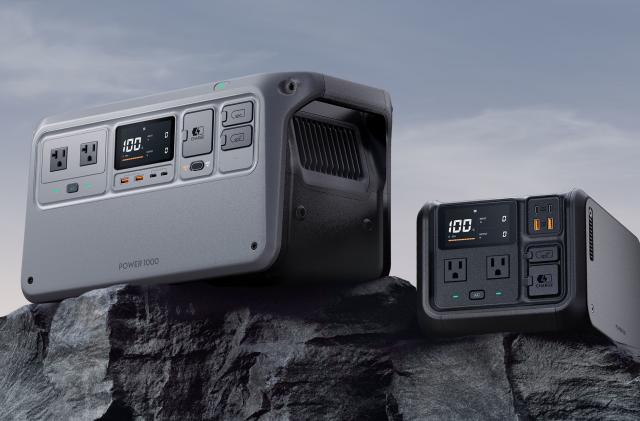
DJI's new backup battery can power small appliances, charge your droneThe 1,000 Wh version costs $1,000 and weighs 29 pounds. By S. Dent, 4 hours ago
Samsung’s Galaxy A35 midrange smartphone is officially available in the USThe $400 handheld includes the company's Knox Vault privacy technology. By L. Bonk, 4 hours ago
The 5 best mechanical keyboards for 2024In which we obsess over switch types, mounting styles, keycap profiles, stabs and rotary knobs.By J. Dunn, 5 hours ago
Slack rolls out its AI tools to all paying customersThe features include thread summaries and conversational search.By L. Bonk, 5 hours ago
Playdate developers have made more than $500K in Catalog salesIt's been one year since the built-in storefront went live.By J. Conditt, 5 hours ago
The Morning After: Is the new Zephyrus G16 any good?Plus, X’s AI chatbot is so dumb… it won’t know how to finish this joke.By D. Cooper, 6 hours ago
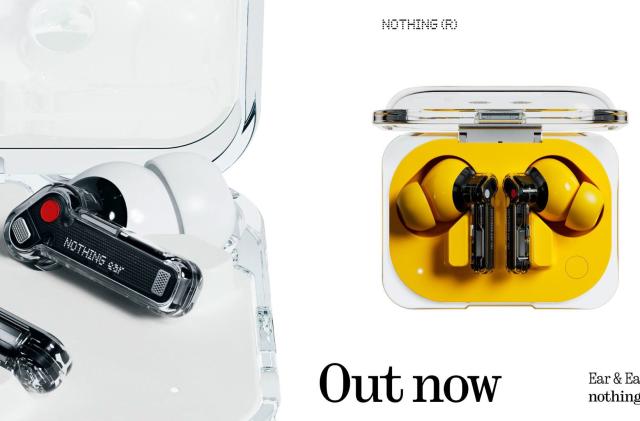
Nothing's Ear and Ear (a) earbuds with active noise cancellation are now available for pre-orderEar (a) comes in vivid yellow and is the first Nothing model that's not just black or white.By M. Moon, 6 hours ago
EU criticizes Meta's 'privacy for cash' business modelThe company is under investigation for the practice. By S. Fielding, 6 hours ago
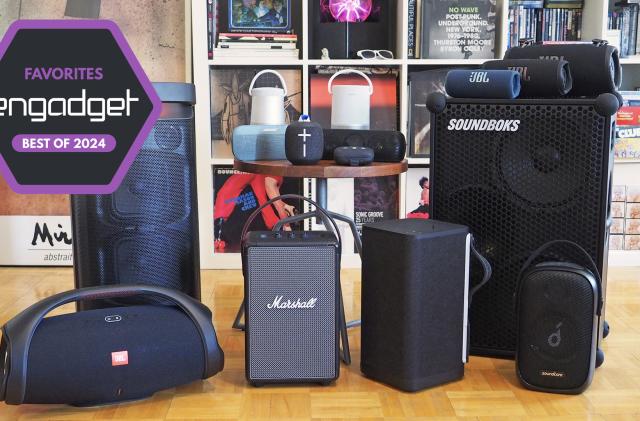
The best Bluetooth speaker for 2024: 15 portable options for every price rangeIn an overcrowded space, we narrowed down the best speakers in every price range. By J. Turi, 8 hours ago
Google fired 28 workers who protested Israeli government cloud contractGoogle said it took action against 'disruptive behavior,' but employees called it a 'flagrant act of retaliation.'By S. Dent, 8 hours ago
Supergiant shows off Hades II's gameplay and new god designsThe developer hosted a three-hour livestream demonstrating the upcoming roguelike dungeon crawler.By M. Moon, 10 hours ago
Twitch is giving all users access to its discovery feed later this monthIt will first appear as a tab, but Twitch's ultimate goal is to make the feed its app's landing page.By M. Moon, 13 hours ago