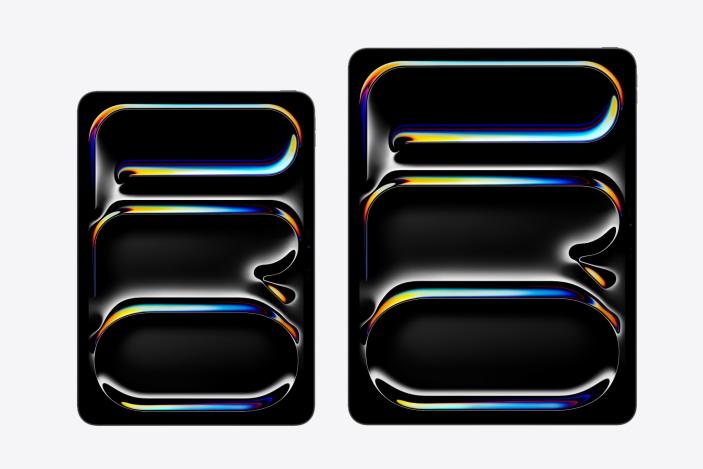
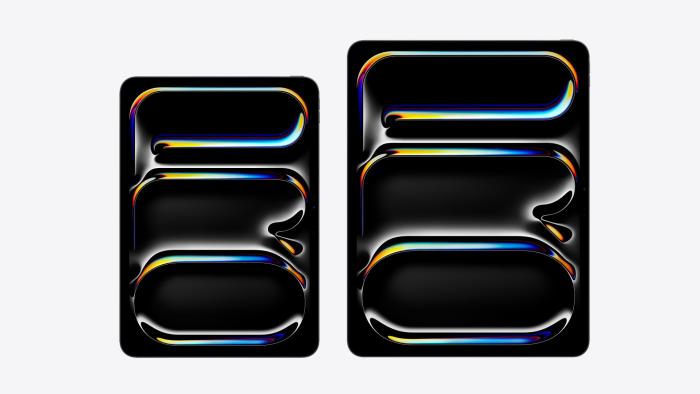
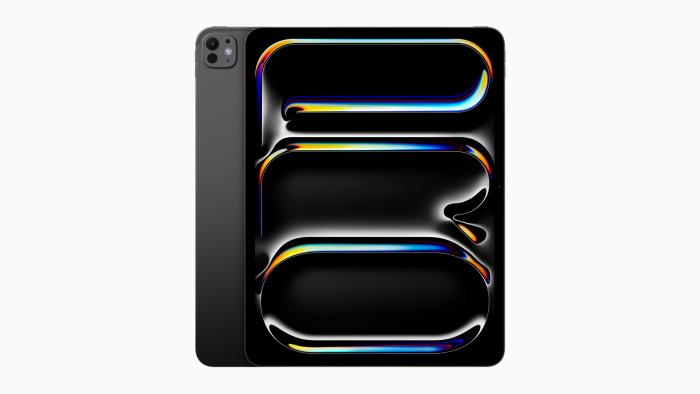
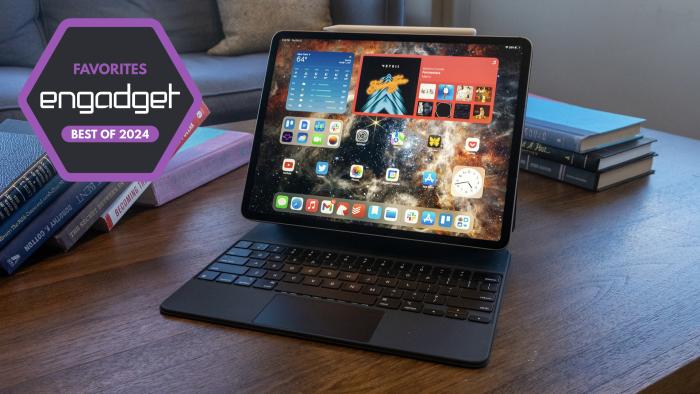
Oh no, I think I want an iPad Pro nowDoes an absurdly expensive and powerful tablet finally make sense? By D. Hardawar, 6 hours ago
Nintendo just revealed a NES speedrunning collection inspired by an ultra-rare 1990 cartridgeBy L. Bonk, 6 hours ago
Google DeepMind’s latest medical breakthrough borrows a trick from AI image generatorsAlphaFold 3 builds on previous versions of the software that have cataloged over 200 million proteins.By W. Shanklin, 3 hours ago
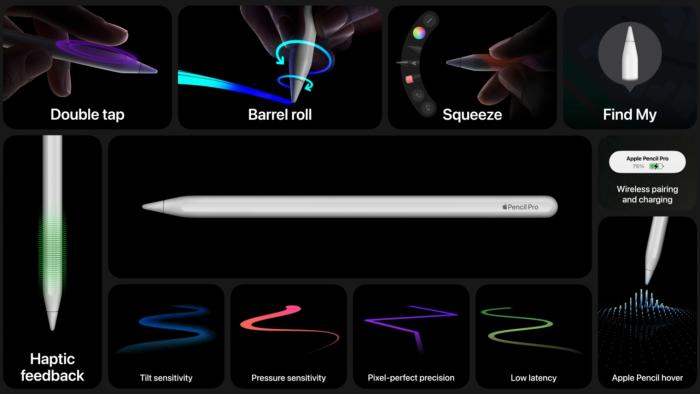
The Apple Pencil lineup is a mess, so here's a guide to which one you should buyApple, a $2.8 trillion company, now sells four different styluses. Let's try to make sense of this. By J. Dunn, 4 hours ago
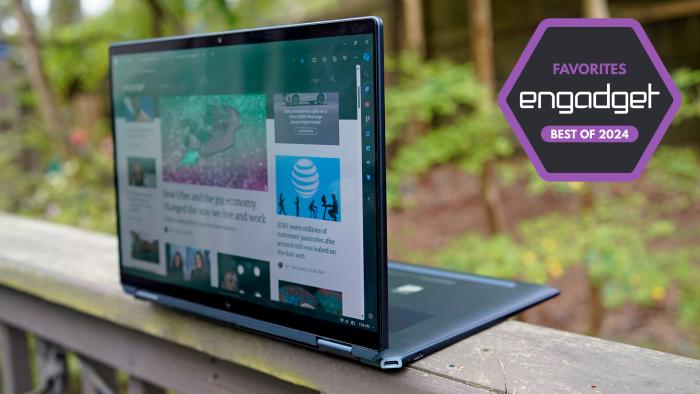
The best 2-in-1 laptops for 2024Tablet or laptop? How about both — these are our favorite hybrid machines.By D. Hardawar, C. Low, 4 hours ago
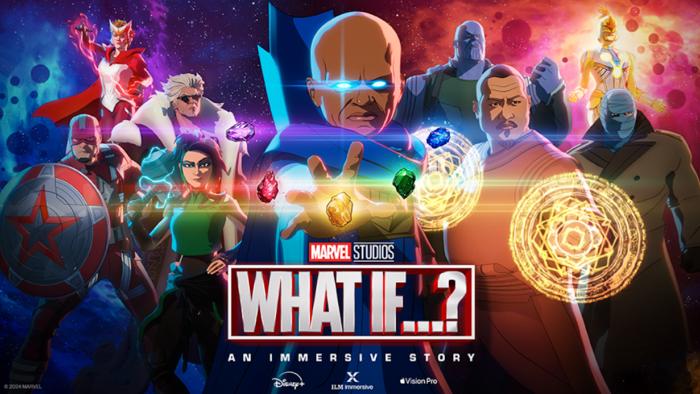
Marvel’s making an ‘interactive story’ based on the What If...? show for Apple Vision ProIn my opinion, this kind of thing is the future of VR.By L. Bonk, 4 hours ago
Ugh, Max subscription prices might be going up againParent Warner Bros. Discovery is reportedly on another cost cutting drive.By K. Holt, 5 hours ago
Oh no, I think I want an iPad Pro nowDoes an absurdly expensive and powerful tablet finally make sense? By D. Hardawar, 6 hours ago
Nintendo just revealed a NES speedrunning collection inspired by an ultra-rare 1990 cartridgeNintendo World Championships: NES Edition for Switch will be available on July 18.By L. Bonk, 6 hours ago
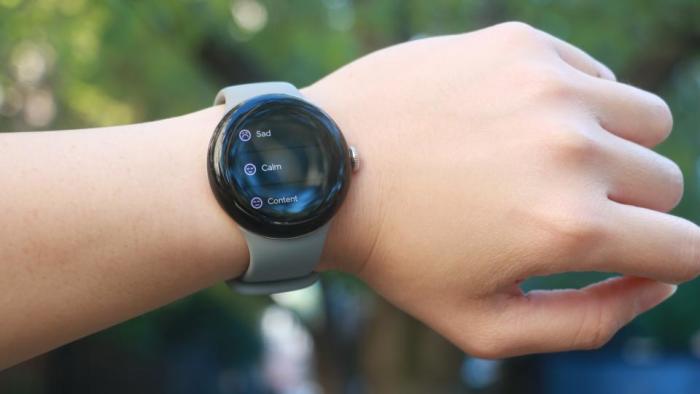
The Google Pixel Watch 2 has never been cheaperAmazon has the LTE models of Google’s flagship wearable for $330.By W. Shanklin, 6 hours ago
Paramount+ with Showtime annual subscriptions are half off right nowThat’s all the Star Trek, Knuckles and Yellowjackets you can shake a stick at.By L. Bonk, 8 hours ago
FTX plans to refund defrauded customers with interestBut they’ll miss out on major gains in the crypto market. By K. Holt, 8 hours ago
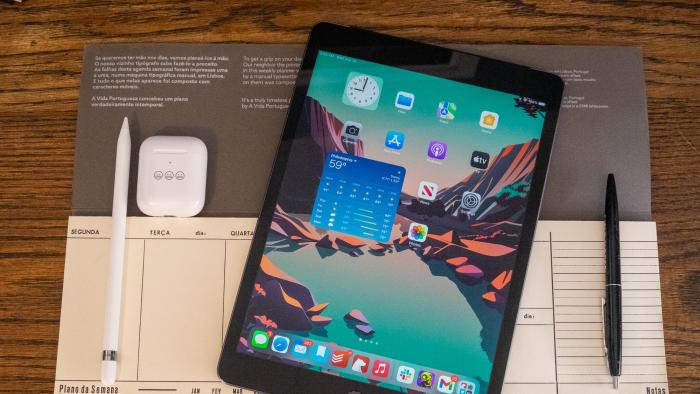
Pick up the 9th-gen iPad with two years of AppleCare+ for only $298Apple has officially discontinued the model so this could be your last chance. By S. Fielding, 9 hours ago
US revokes Intel and Qualcomm's licenses for chip sales to HuaweiHuawei released its first AI-enabled laptop last month. By S. Fielding, 10 hours ago
Remedy cancels its multiplayer game project with TencentThe companies have been working on it for years and had repurposed it last year.By M. Moon, 11 hours ago
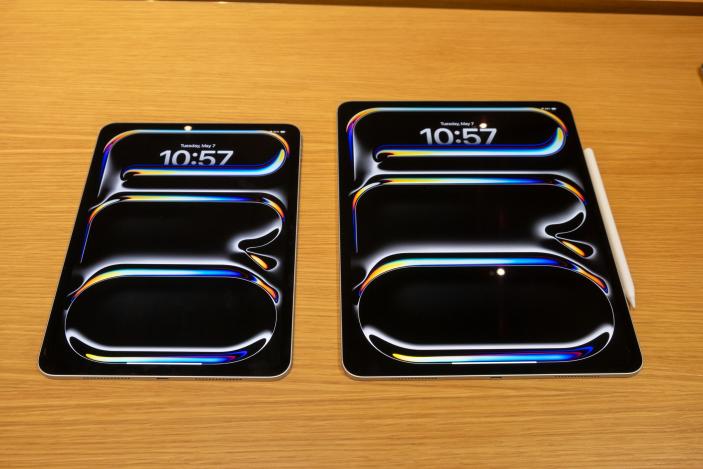
The Morning After: Apple's new iPad Pro is thinner than an old iPod nanoAnd everything from Apple's big event.By M. Smith, 12 hours ago
Bluesky plans to launch DMs for usersJack Dorsey recently announced that he was no longer on the company's board. By S. Fielding, 12 hours ago
OpenAI is reportedly working on a search feature for ChatGPTIt could spit out results complete with citations, Bloomberg says.By M. Moon, 13 hours ago
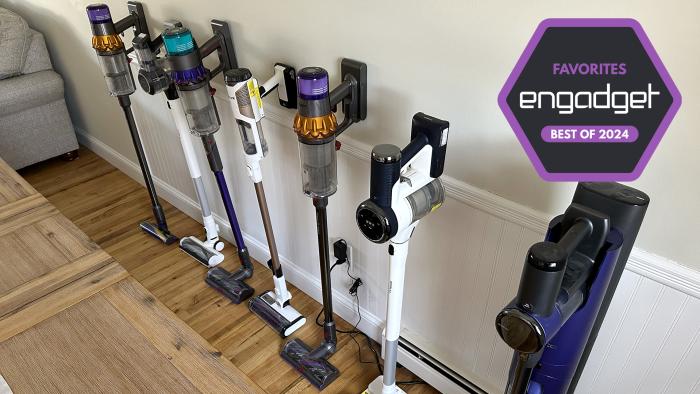
The 5 best cordless vacuums for 2024Ditch the heavy machines and get a lightweight, cordless stick vacuum instead.By V. Palladino, 14 hours ago
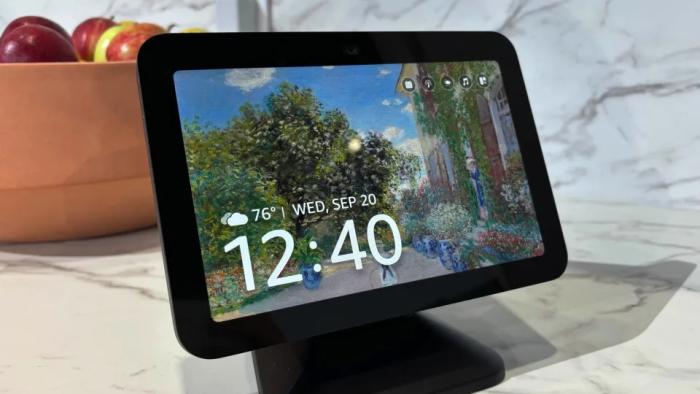
The 2023 Echo Show 8 is on sale for $100 right nowYou can also grab the Echo Dot for $28 and the Echo Pop for just $20.By S. Dent, 15 hours ago
The best tablets for 2024We’ve got tablet picks for every ecosystem along with some more affordable options too.By S. Rutherford, 16 hours ago
Meta is testing cross-posting from Instagram to ThreadsThe company has also tested cross-posts from Facebook.By K. Bell, a day ago