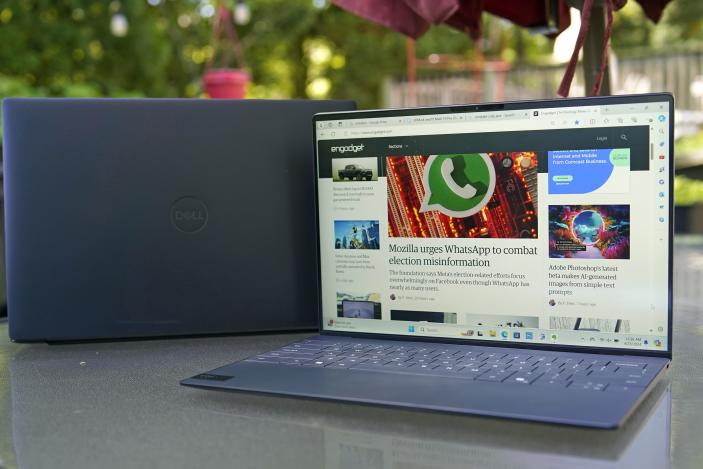
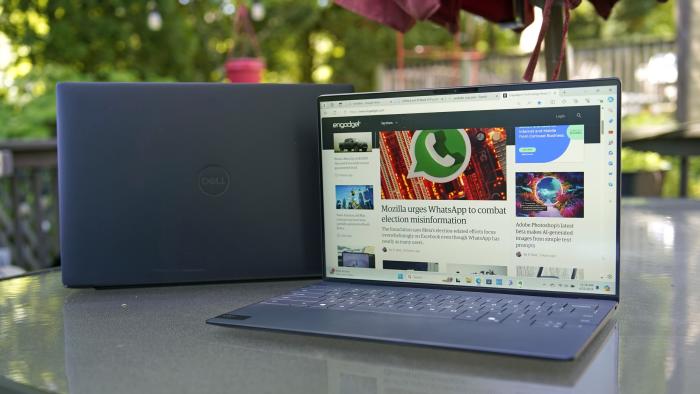
82 13Dell XPS 13 and XPS 14 review (2024): Gorgeous laptops with usability quirksWhat will you pay for pretty laptops? By D. Hardawar, 04.26.2024
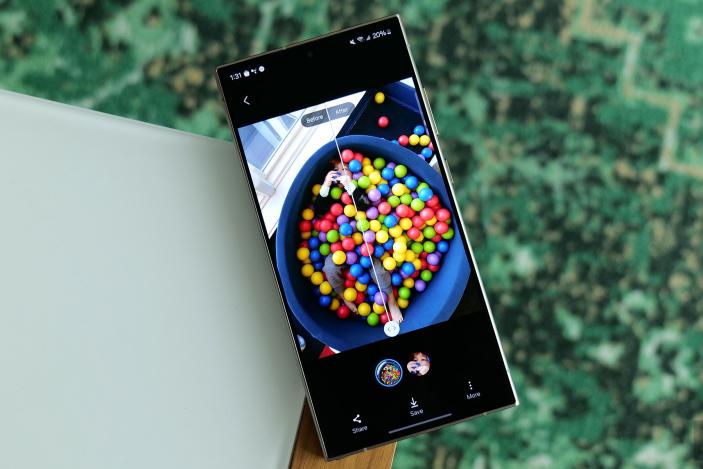
Samsung's Galaxy S24 Ultra falls to a new low, plus the rest of the week's best tech dealsBy J. Dunn, 04.26.2024
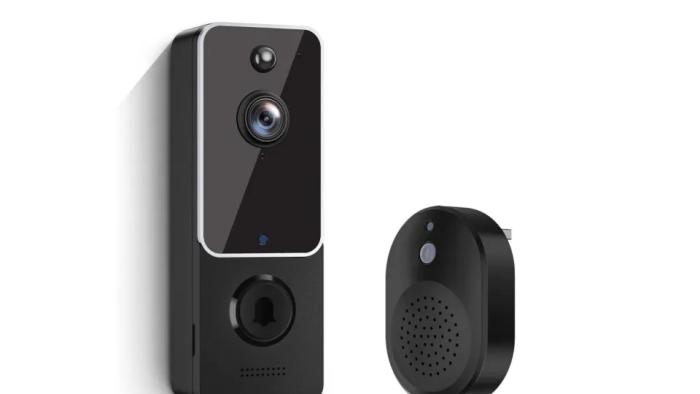
Budget doorbell camera manufacturer fixes security issues that left users vulnerable to spyingConsumer Reports, which initially advised people not to buy Eken Group’s cameras, has removed its warning labels.By C. MacDonald, 12 hours ago
Google asks court to reject the DOJ’s lawsuit that accuses it of monopolizing ad techThe Department of Justice sued Google last year over alleged anticompetitive practices in digital advertising.By C. MacDonald, 14 hours ago
Some Apple users say they’ve been mysteriously locked out of their accountsFrustrated users reported that they were signed out of their Apple IDs and asked to change their passwords.By C. MacDonald, 17 hours ago
I played Fire Emblem Engage on easy mode, and it got me back into gamingBecause not every gaming experience has to be a challenge. By M. Moon, 21 hours ago
Apple has reportedly resumed talks with OpenAI to build a chatbot for the iPhoneThe company is still talking to Google too, so how this shakes out is anyone's guess.By P. Dixit, 04.26.2024
The FTC accuses Amazon of using Signal’s auto-deleting messages to erase evidenceThe agency asked a federal judge to force the company to turn over new documents.By W. Shanklin, 04.26.2024
Drake deletes AI-generated Tupac track after Shakur’s estate threatened to sueThe Canadian star used deepfakes of Shakur and Snoop Dogg’s voices to diss Kendrick Lamar.By W. Shanklin, 04.26.2024
Aaron Sorkin is working on a Jan. 6-focused follow-up to The Social NetworkHe blames Facebook for the Capitol attack, so that could make for one interesting movie.By L. Bonk, 04.26.2024
Samsung's Galaxy S24 Ultra falls to a new low, plus the rest of the week's best tech dealsIncluding discounts on Apple's MacBook Air, Samsung OLED TVs and a few recommended wireless earbuds.By J. Dunn, 04.26.2024
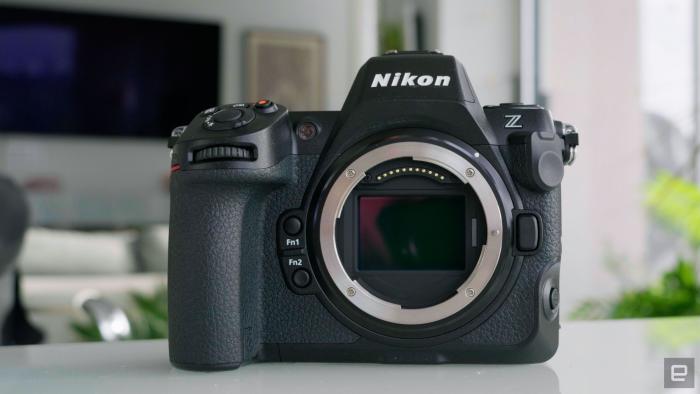
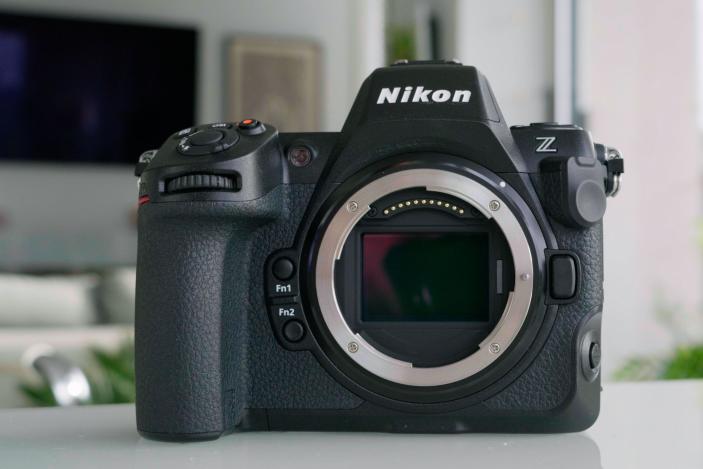
31Nikon’s Z8 is a phenomenal mirrorless camera for the priceWith 8K video and a 45-megapixel sensor, it's a cheaper alternative to Sony's A1.By S. Dent, 04.26.2024
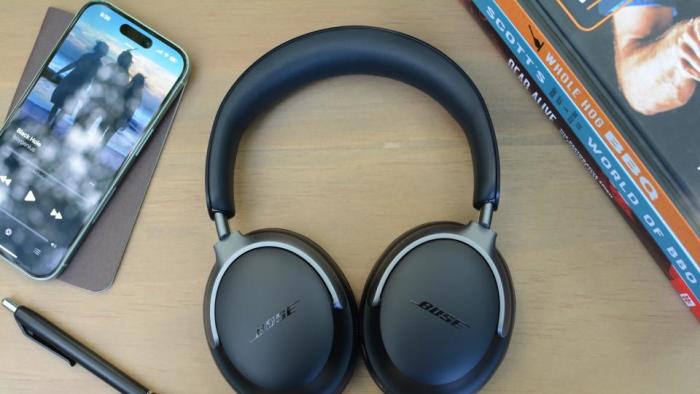
Some of our favorite Bose headphones and earbuds are back to all-time low pricesGet the Bose QuietComfort Ultra headphones for $50 off.By W. Shanklin, 04.26.2024
Apple's 13-inch MacBook Air with the M3 chip has never been cheaperOur favorite laptop is just $989 at Amazon right now. By A. Skorheim, 04.26.2024
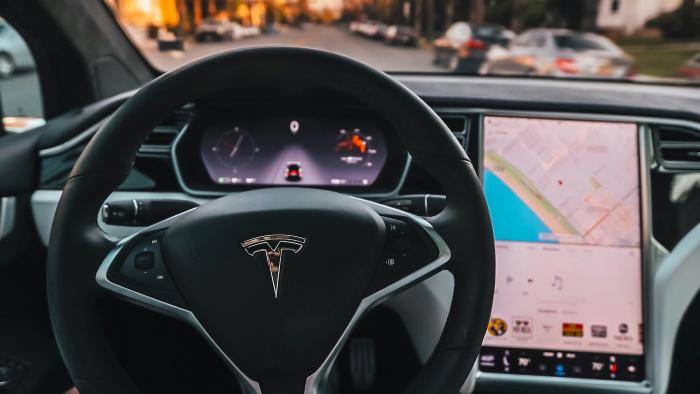
NHTSA concludes Tesla Autopilot investigation after linking the system to 14 deathsThe organization has opened a new inquiry into the efficacy of recent software fixes.By L. Bonk, 04.26.2024
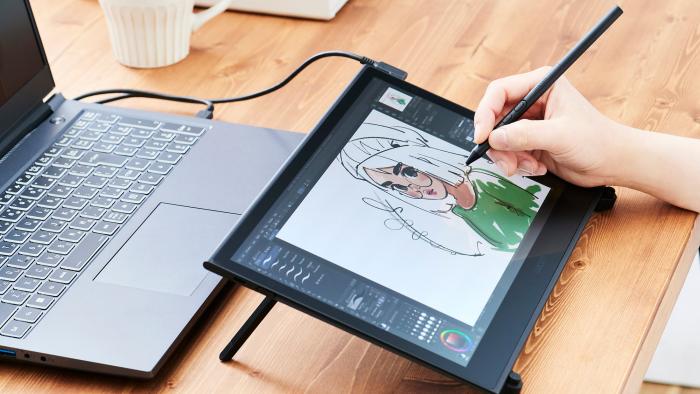
Wacom's first OLED pen display is also the thinnest and lightest it has ever madeThe 13-inch Movink is available now for $750.By B. Steele, 04.26.2024
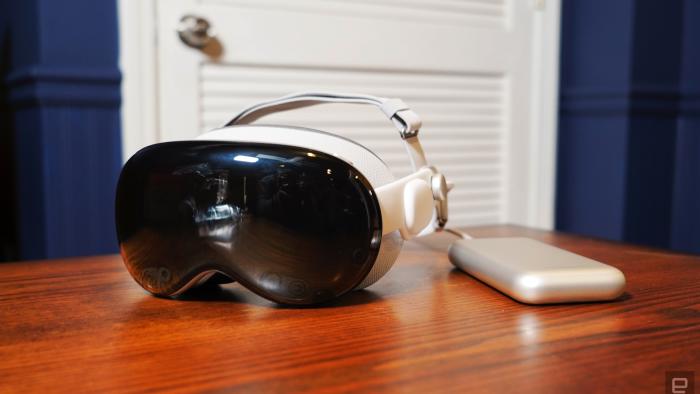
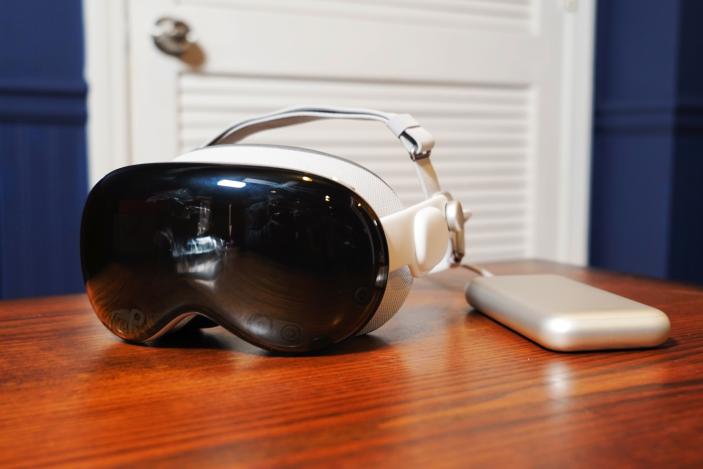
It doesn’t matter how many Vision Pro headsets Apple sellsCan we all just calm down a bit?By S. Rutherford, 04.26.2024
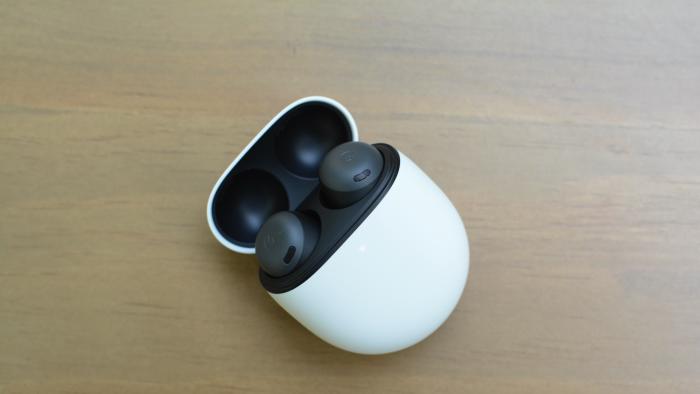
The Google Pixel Buds Pro are back on sale for $135That's the lowest price we've seen for the noise-canceling earbuds in 2024. By J. Dunn, 04.26.2024
82 13Dell XPS 13 and XPS 14 review (2024): Gorgeous laptops with usability quirksWhat will you pay for pretty laptops? By D. Hardawar, 04.26.2024
OpenAI's Sam Altman and other tech leaders join the federal AI safety boardIt's like turkeys being appointed to the Christmas oversight board. By M. Moon, 04.26.2024
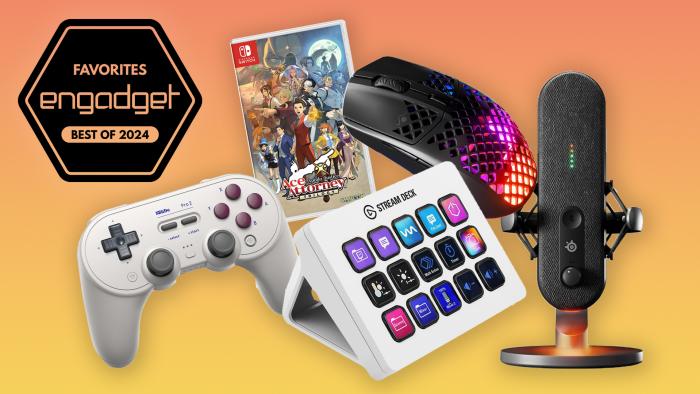
The best gaming gear for graduatesWhether they’re playing games for fun or a future career, these are the best items to get.By K. Naudus, 04.26.2024
The Morning After: Apple announces an iPad event for May 7And here's what we're expecting.By M. Smith, 04.26.2024